

A card lot can look tidy in a listing and turn out to be a mixed bag. Spend a few minutes with the photos and description before you decide whether the lot gives you enough information to buy.

Key takeaways
- Start with the photos
- Look for condition problems
- Check the card details
Start with the photos
Ask for clear photos of the front and back of several representative cards. Good lighting matters. Close-ups of the corners, edges, and surfaces matter too. A group shot usually cannot show that level of detail.
Ask whether the seller photographed the exact cards in the lot. Stock images and unrelated examples can make a mixed group look more consistent than it is. Look at cards from different parts of the lot, not only the ones that appear in the best photos.

Look for condition problems
Scan the front and back for whitening, bends, creases, dents, scratches, stains, print lines, edge wear, and other surface damage. Overlapping cards and uneven light can hide problems, so ask for another image when a card is hard to read.
Check the visible borders on the front and back to get a sense of centering. Keep the camera angle in mind, though. A tilted card or distorted photo can make the alignment look different from the physical card.
Check the card details
Look at the language, set symbol, card number, rarity marking, and edition indicators when they apply. Compare those details with a reliable card reference before judging the lot. You may find different versions, reprints, or mixed-language cards that the listing did not make clear.
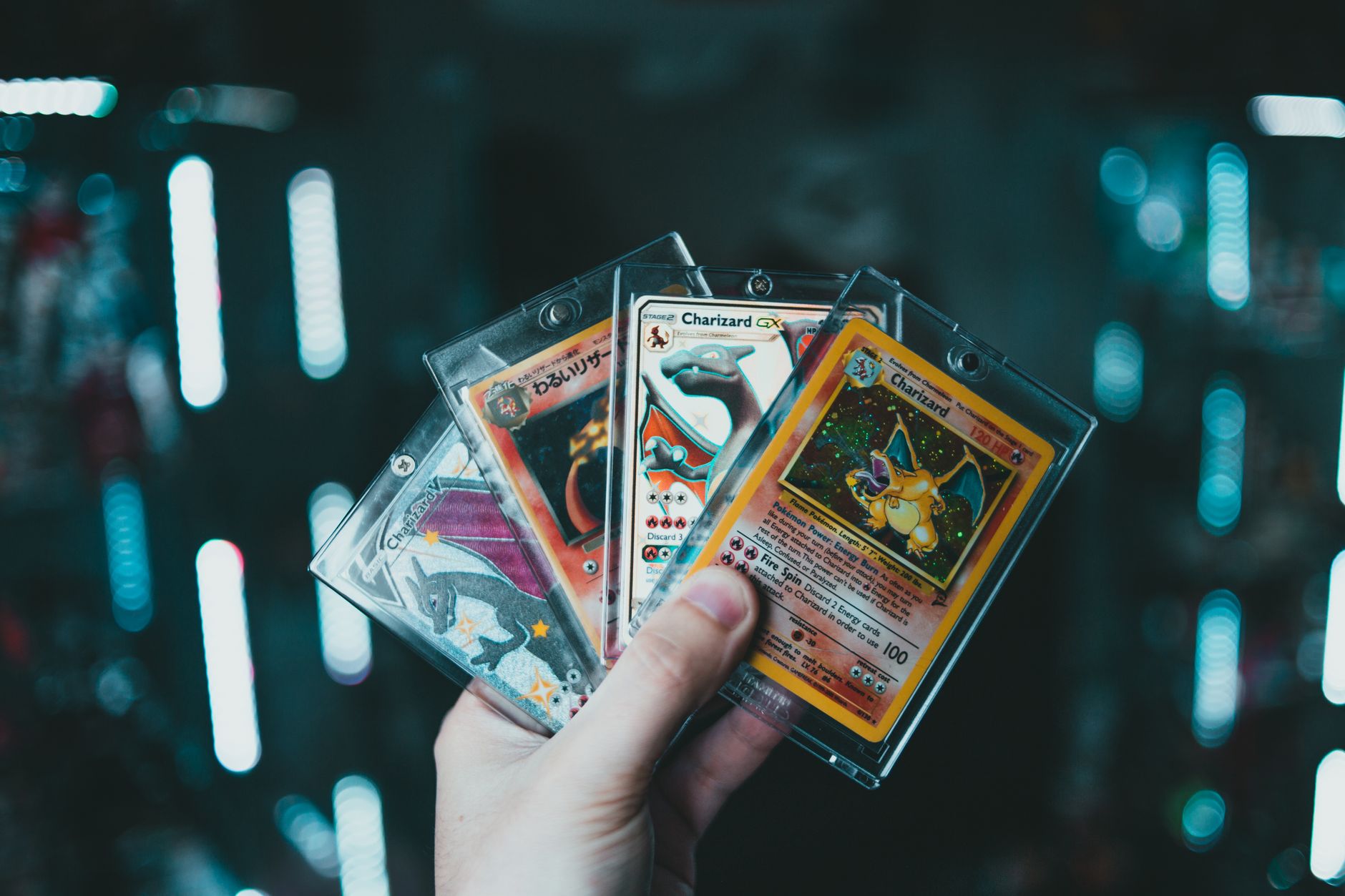
Read the listing and ask direct questions
Pay attention to what the seller leaves out. Ask about altered cards, damaged cards, proxies, reprints, and mixed-language contents if the description does not cover them. You can also ask what portion of the lot the photos represent and request closer images of cards that are difficult to see.
Photos can raise authenticity concerns, but they cannot settle them on their own. Inconsistent fonts, colors, symbols, borders, texture, or print quality may be warning signs. For grading terms, this beginner guide to trading card grading explains the basic labels. Dark, small, or limited photos are simply missing information, not proof that everything is fine.
Use a simple pre-purchase checklist
Before buying, make sure you have seen representative front and back photos, looked over the visible condition, checked the card details, and asked about gaps in the description. For a mixed lot, the cards shown should give you a reasonable sense of the group’s condition and contents. If they do not, ask for broader coverage before committing.
Notes
[1] Clear front, back, corner, edge, and surface photos are a standard part of online card inspection.
[2] Whitening, bends, creases, dents, scratches, stains, print lines, edge wear, and surface damage are common condition points to inspect.
[3] Front and back borders can help with centering, while camera angles and photographs can distort apparent alignment.
[4] Language, set symbol, card number, rarity marking, and edition indicators help identify cards when applicable.
[5] Buyers should ask whether listing photos show the exact cards being sold.
[6] Printing inconsistencies can be red flags, but photo inspection is not definitive authentication.
[7] Sellers should be asked about omitted details such as altered cards, proxies, reprints, damage, and mixed-language contents.
[8] In a mixed lot, cards from across the group should represent the overall condition and contents.