

Disclosure: This article may contain affiliate links. If you buy through them, GrandCollector may earn a commission at no extra cost to you. We only recommend products that are genuinely useful for collectors.
You do not need a $200 digital microscope to check a mint mark. If you carry a smartphone, you already own a basic coin inspection tool. The right magnifying glass app can help you read dates, spot die varieties, and capture close-up images for your records. The wrong one is just a digital zoom with an ad banner.
This guide covers 11 coin magnifying glass apps worth your time. We also explain what these apps cannot do, when a real loupe is the better tool, and how to set up a simple inspection workflow that works at home or at a coin show. [1]
What a Coin Magnifying Glass App Can and Cannot Do
A magnifying app uses your phone camera and software zoom. It is not a substitute for optical inspection tools. Here is the honest breakdown.
An App Can
- Enlarge small details such as mint marks, dates, and die varieties with adequate zoom
- Freeze and capture images for later comparison or sharing with other collectors
- Provide lighting in dim environments using the phone’s flashlight
- Help you read tiny text on holders, labels, price tags, and auction catalogs
- Serve as a portable first-look tool when you do not have a loupe with you
An App Cannot
- Match the optical clarity of a real loupe or microscope — digital zoom is not optical magnification
- Give true 60x or 100x magnification — those numbers are marketing, not science
- Detect subtle surface alterations like cleaning, whizzing, or tooling
- Authenticate a coin or determine a grade
- Replace careful in-hand examination with proper lighting and trained eyes. See our guide on how to spot a fake coin for what physical inspection reveals.
11 Best Coin Magnifying Glass Apps
Android Apps
1. Magnifying Glass + Flashlight
One of the most popular magnifying apps on Google Play, with over 40,000 downloads [2]. It offers a zoom range of 1.0x to 5.0x, a flashlight toggle, and still-image capture. The interface is simple — point at a coin, zoom in, freeze the image. Good for quick date and mint mark checks at a show or dealer table. The 5.0x limit means you will not see micro-details, but for everyday inspection it is enough.
2. Best Magnifier
Available for Android and iOS. Point, zoom, freeze — no extra steps. It includes a reading mode specifically for small text, which is useful for price tags, auction catalog descriptions, and the fine print on coin holders. The lack of imaging filters may disappoint collectors who want contrast control, but as a basic tool it works. For a deeper look at magnification tools, see our roundup of the best physical magnifiers.
3. Magnifier + Flashlight (RV AppStudios)
A regularly updated free app on Google Play that magnifies whatever your camera points at. It supports image freeze and independent flashlight control — you can dim or turn off the light without affecting zoom. The 5.0x maximum zoom is adequate for dates and mint marks but not for varieties requiring deeper examination. Clean interface, few permissions.
4. Magnifier & Microscope
Combines magnifier and microscope modes in one app on Google Play. No registration required. It includes photo filters such as sepia and negative mode, which can sometimes help reveal contrast differences on worn or toned coin surfaces. The microscope branding is marketing, not reality — this is still digital zoom, not optical. But the filter options make it more versatile than basic magnifiers.
5. Magnifier (Simple Mobile Tools)
A lightweight open-source app on Google Play. It requests no permissions and launches in under a second. You get 10x zoom with no ads, no tracking, and nothing between you and the coin. If speed matters — you are at a busy show table and need to check a date before making an offer — this is the fastest option. The free version does not capture images; a small in-app purchase unlocks that.
6. Pocket Magnifier with LED
Simple, no-login magnifier on Google Play with an LED flashlight toggle and variable zoom. It works immediately after download. The downside is ad support — some users report banners that occasionally appear over controls. For occasional use it is fine. For daily inspection, an ad-free alternative may be more comfortable.
7. Pro Magnifier
A full-screen magnifier on Google Play with one-finger focus and pinch-to-zoom. Its strongest feature is drag-to-reposition: you can zoom into a specific area of a coin and drag the view without recentering. This is helpful when examining a particular detail — a mint mark or die crack — without losing your position. Older devices may lag at maximum zoom.
iOS Apps
8. SuperVision + Magnifier
Designed with large buttons and clear controls on the Apple App Store. It offers multiple zoom levels, image freeze at any resolution, and one or two-handed operation. A solid choice for collectors who find small app controls difficult to use. The trade-off: fewer imaging filters than some Android alternatives.
9. BigManify Free
Compatible with iOS 7 and above [3]. It includes sharpening and contrast filters that help text and design details stand out. The sharpen filter is particularly useful for making coin legends and dates readable against worn backgrounds. Controls are semi-transparent and can be hard to read on some screens. The interface feels dated compared to newer iOS apps.
10. Magnifying Glass by Pony Mobile
A straightforward magnifier on Google Play with image capture and sharing. If you want to send a close-up photo of a coin detail to another collector for a second opinion, this app makes that easy. Performance varies across Android devices — newer phones handle it well, older ones may struggle with zoom lag.
11. Magnifying Glass with Flashlight (iOS)
A free, no-registration magnifier on the Apple App Store. It provides smooth zoom and flashlight support for low-light inspection. Useful when examining coins under a dealer’s desk lamp or at an evening coin club meeting. The maximum zoom is adequate for dates and mint marks but not for micro-varieties.
How to Photograph Coins for App Magnification
A good magnifying app captures what your phone camera sees. If your setup is wrong, even the best app will produce blurry, unusable images. Here is a simple workflow that collectors of any experience level can follow.
- Place the coin on a stable, dark, non-reflective surface. A coin mat, piece of dark felt, or plain cloth works well. Avoid glossy tabletops and white paper, which create glare.
- Use indirect natural light or position a desk lamp at roughly 45 degrees from the coin surface. Direct overhead light produces harsh reflections that wash out detail. Side lighting reveals surface texture and mint marks.
- Hold the phone steady. Brace your elbows on the table. For repeated inspection, an adjustable phone stand for coin photography eliminates hand shake entirely — one of the biggest causes of blurry magnified images.
- Open your chosen magnifying app and adjust zoom until the detail you want is clearly visible. Stop before the image starts pixelating — pushing past the camera’s optical limit creates artificial grain, not more detail.
- Freeze the image if the app supports it. This lets you study the detail without holding the phone perfectly still.
- Capture the image. You can now zoom, rotate, crop, or share it for a second opinion or your own records.
When a Phone App Is Enough — and When a Real Loupe Is Better
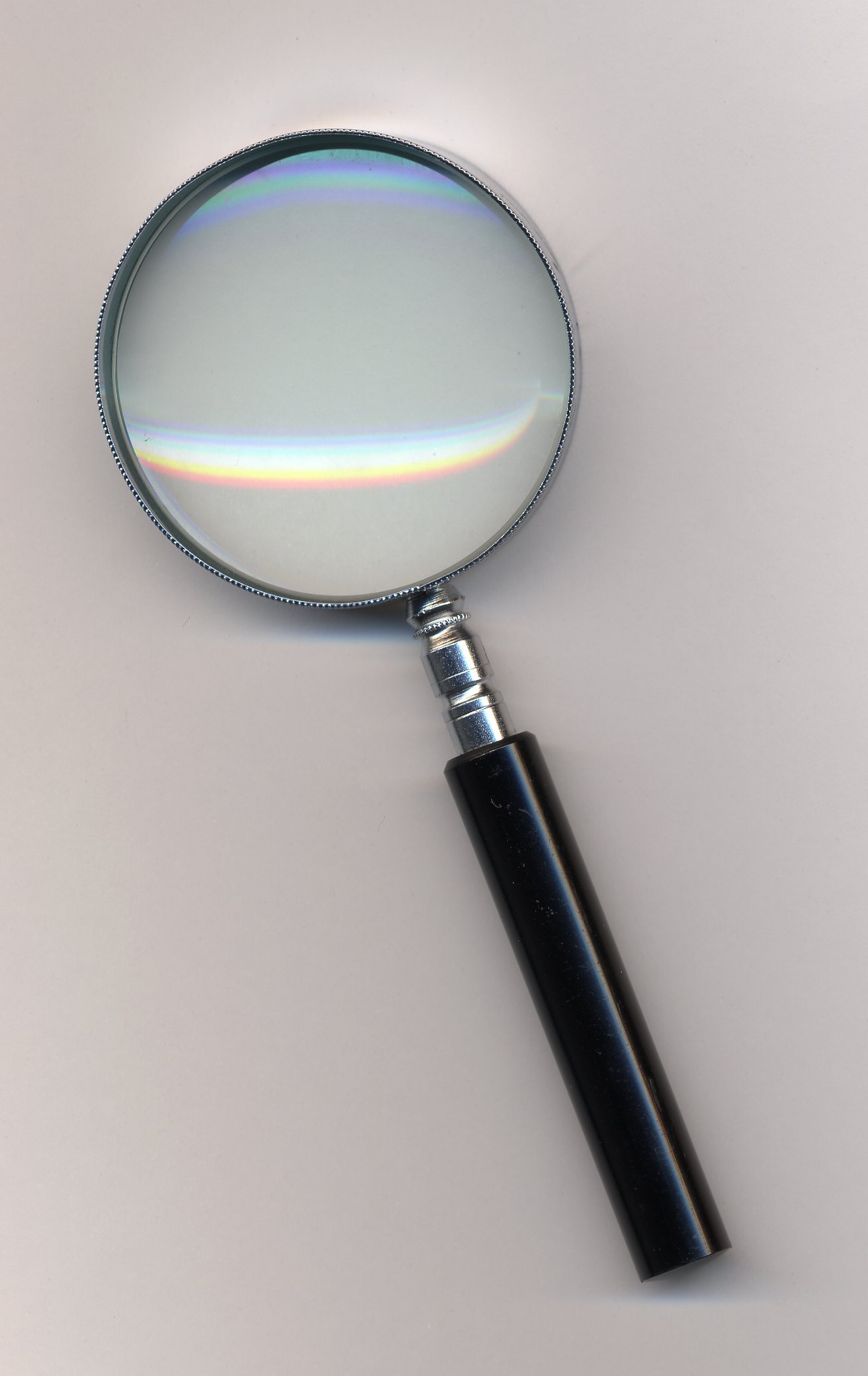
A phone magnifying app is a real tool, not a toy. But it has limits. Knowing when to reach for your phone and when to reach for a loupe saves time and prevents mistakes. Our guide on choosing the best loupe covers physical magnifiers in detail.
Use a Phone App When
- You need a quick date or mint mark check
- You want to capture an image for records or sharing
- You are at a show or shop without your loupe
- You are reading small text on holders, labels, or catalogs
- You are doing a first-pass inspection of a lot or group of coins
Use a Real Loupe When
- You need to verify surface quality — cleaning, hairlines, tooling
- You are checking for die varieties that require optical clarity beyond digital zoom
- You are evaluating a coin before a significant purchase
- You want to authenticate or assess a grade
- You need consistent, repeatable magnification with true optical resolution
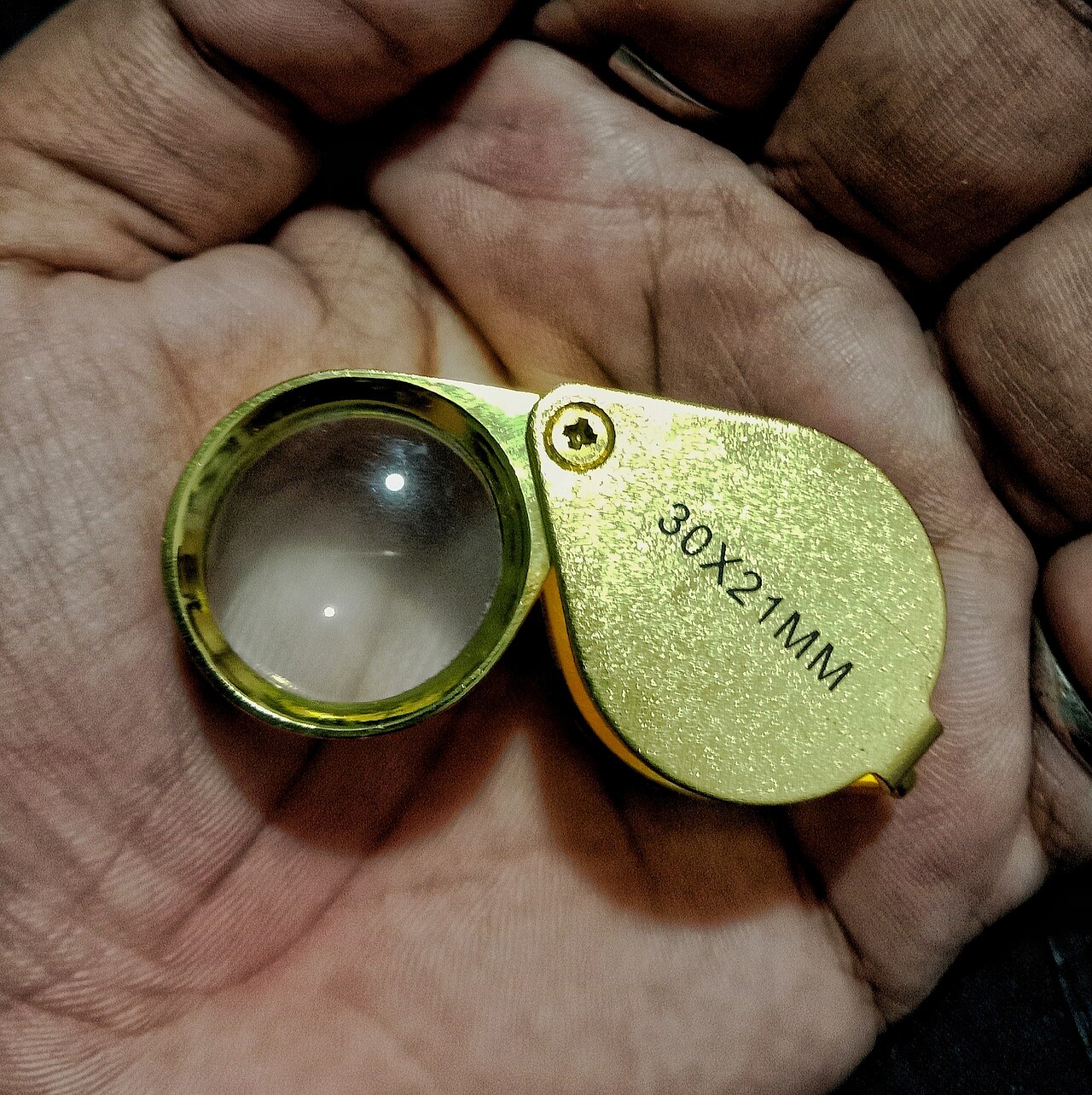
Image: A loupe and USB digital microscope — when your phone app hits its limits, real optics take over. (Image pending WordPress media upload.)
A Practical Choice: Loupe or Digital Microscope
For collectors who want better optics without a microscope budget, a rechargeable 10x loupe with LED light offers true optical magnification with built-in illumination. The rechargeable battery means no hunting for button cells at a coin show. It does not prove authenticity, detect every fake, replace expert review, or determine a grade — but it gives you a stable, clear view that no phone app can match.
If you are ready to step up to digital documentation, a USB digital microscope for coins with an adjustable metal stand gives you a hands-free setup for inspecting and capturing details. The adjustable stand eliminates hand shake entirely. For broader coin tools, see our list of the best coin collecting apps for cataloging and organization. Remember: digital microscopes reveal more detail but they do not authenticate coins or replace expert evaluation.
What Features to Look For in a Coin Magnifying App
Before downloading, check for these six things. They separate useful tools from app-store filler:
- Zoom range that does not lie: Apps claiming 60x or 100x magnification are using digital zoom on a phone camera sensor. Useful detail stops at roughly 5x to 10x before pixelation takes over. Ignore marketing claims. Test the app yourself.
- Image freeze: Essential for coin inspection. Freeze the magnified view so you can study it without holding the phone steady. Without freeze, you are fighting your own hands.
- Independent flashlight control: The phone LED should toggle independently of zoom. Some apps tie them together, which is frustrating when you want light without zoom or zoom without light.
- Photo capture: Save magnified images directly from the app. Useful for record-keeping, sharing with other collectors, documentation before selling, and building a personal reference library. For a dedicated lens-free inspection, see our best coin microscope app guide.
- No mandatory registration: A magnifier should not require an account, email, or login. If the app demands registration before letting you zoom, delete it and try the next one.
- Minimal, non-blocking ads: Some free apps place banners over controls. Check recent reviews. If other users complain about ads blocking the zoom slider, skip the app.
Tools That Complement a Magnifying App
A magnifying app works best as part of a small inspection toolkit. None of these are required — you can start with just your phone. But as your collecting grows, a few supporting items make inspection easier. For beginners building their first kit, our coin collecting starter guide walks through the essentials.
- Dark surface or coin mat: Reduces glare and gives your phone camera a clean reference point. A sheet of dark felt costs very little.
- Phone stand: Eliminates hand shake entirely. Not practical at a show, but excellent for home inspection and image capture.
- Desk lamp with adjustable angle: Side lighting reveals surface texture better than overhead light. A basic articulated lamp is enough.
- Soft brush or compressed air: Remove loose dust before photographing. Do not wipe coins — even a soft cloth can leave micro-scratches on a proof surface.
- Basic loupe (5x-10x): When your phone app runs into its limits, a loupe takes over. A loupe does not need a battery, an update, or an internet connection.
- Coin capsules: If you are inspecting a coin you plan to keep, PVC-free coin capsules protect it from handling damage and environmental exposure once inspection is done.
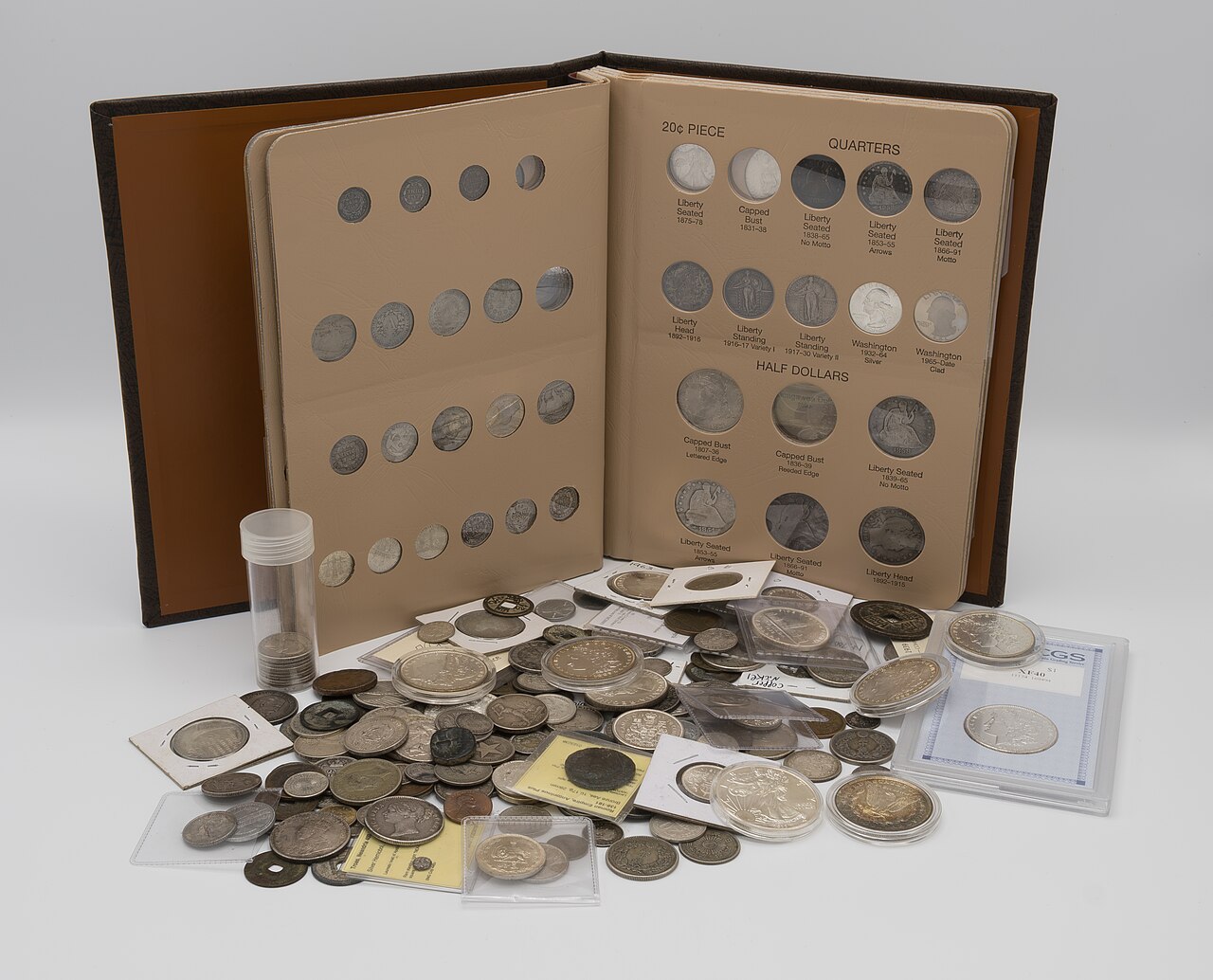
Image: A simple home inspection setup — phone stand, desk lamp, coin mat, loupe, and capsules. (Image pending WordPress media upload.)
Final Thoughts
A coin magnifying glass app turns your phone into a useful first-look inspection tool. For dates, mint marks, and quick image captures, it is often all you need. For surface evaluation, authenticity questions, and grading decisions, reach for a real loupe or digital microscope.
The 11 apps listed here cover Android and iOS, free and paid, simple and feature-rich. Start with the free options. Test them on your own coins. Learn what your phone camera can and cannot capture. Then decide whether a stand magnifier or loupe deserves a place in your collecting kit.
Notes and Sources
[1] Google Play Store and Apple App Store listings accessed June 2026. Individual app download counts and feature descriptions are sourced from each app’s respective store page and are subject to change.
[2] “Magnifying Glass + Flashlight” — Google Play Store listing, accessed June 2026. Download count cited as “40K+” on the store page.
[3] “BigManify Free” — Apple App Store listing, accessed June 2026. Compatibility listed as “Requires iOS 7.0 or later” on the store page.
Related Articles
- Which is the Best Loupe: 10 of the Best in the Market
- Best Coin Microscope App — Our No-Nonsense Suggestions
- Top 10 of the Best Coin Microscope in 2023
- 10 of the Best Magnifier for Coin Collecting
- How to Spot a Fake Coin: A Collector’s Practical Guide
- Coin Collecting for Beginners: Where to Start
- 4 Best Coin Collecting Apps For Android and iOS
Fact-checked and reviewed on July 12, 2026. Information about app features, availability, and download counts may change. Always check the latest store listings for current details.